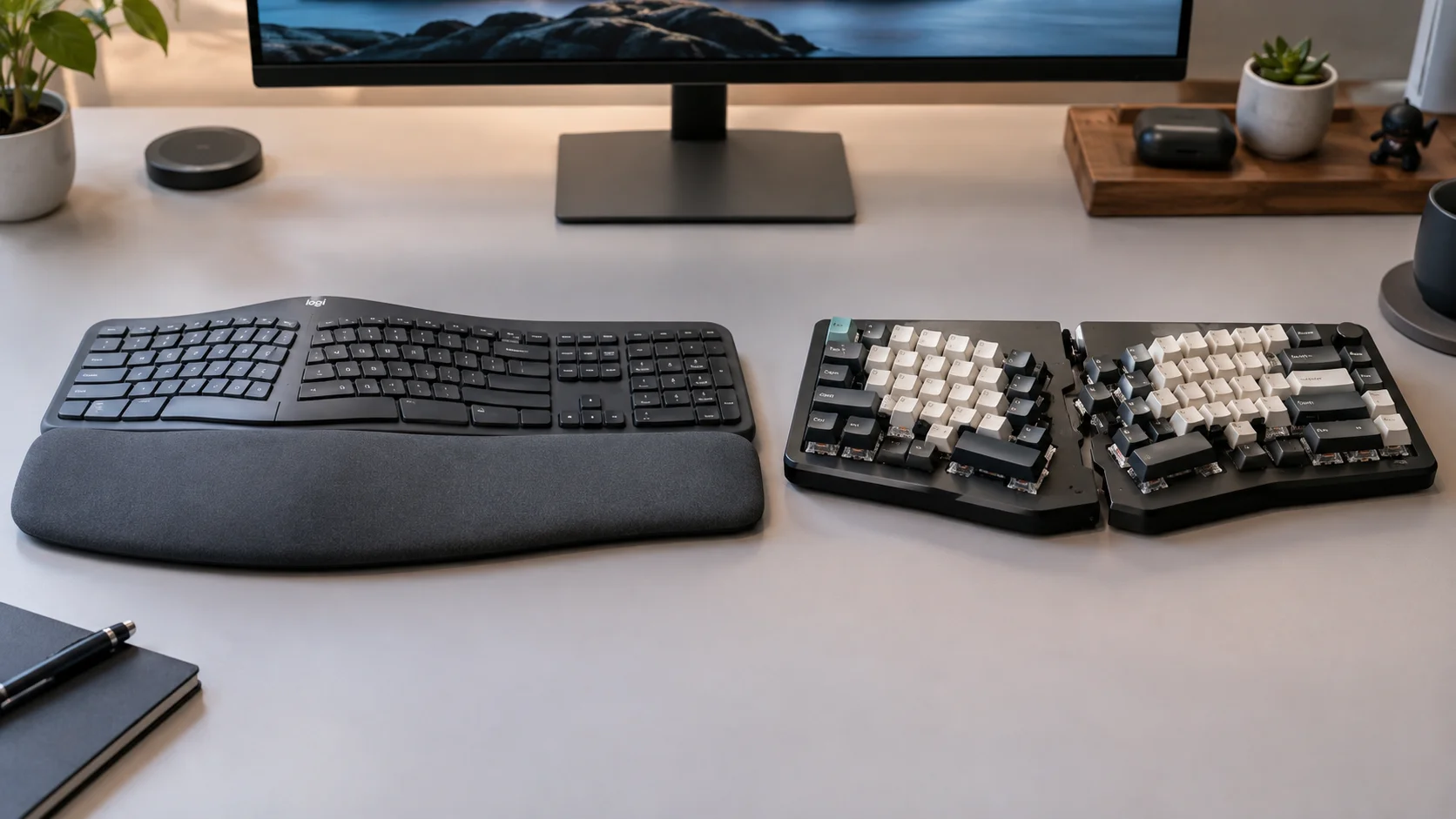
Choosing a keyboard often polarizes between mechanical and membrane technology. However, a mechanical keyboard is not intrinsically more ergonomic, nor is a membrane one necessarily inferior. Keyboard suitability depends on the device's complete design, its configuration, and the user's technique.
1. The Fundamental Difference: What's under the key?
The main technical distinction lies in the activation mechanism (switch) that registers the keystroke.
Membrane Keyboards
They use layers of printed circuits on flexible membranes. When pressed, a rubber dome compresses to close the contact. Typical behavior: They offer a more cushioned feel and are usually lighter and more affordable.
Mechanical Keyboards
Each key has an individual physical switch composed of a stem, a spring, and metal contacts. Typical behavior: They allow for greater consistency in keystrokes and offer various tactile and auditory response options.
2. Technical Concepts: Actuation and Travel
- Actuation: The exact point where the keyboard registers the press. In mechanicals, this point is often halfway through the travel.
- Bottoming out: The moment the key physically hits the end of its travel. Hitting the bottom with excessive force can increase muscle fatigue.
- Actuation force: The pressure required to activate the key, generally measured in gram-force (gf). The mechanical ecosystem offers a much wider variety of profiles to suit different typing techniques.
3. What makes a keyboard truly ergonomic?
Ergonomics depends on geometry, not actuation technology. A keyboard, whether mechanical or membrane, is more ergonomic if it features:
- Split or Alice Design: To allow hands to work in a more natural position, reducing wrist deviation.
- Inclination and Tenting: Lateral elevation to avoid excessive forearm pronation.
- Wrist Rest: Support to maintain wrists in a neutral position.
Technical Technology Comparison
| Feature | Mechanical | Membrane |
|---|---|---|
| Feel | Variable by switch | Variable by dome |
| Customization | High (switches/keycaps) | Usually limited |
| Reparability | Higher in modular models | Generally lower |
| Noise | Variable (silent options exist) | Generally lower |
| Declared Lifespan | Up to 50M-100M keystrokes* | Up to 5M-10M keystrokes* |
*Typical figures declared by leading manufacturers; vary by model and usage conditions.
4. Which one to choose based on your profile?
Intensive Writing and Programming
Users who value clear tactile feedback often prefer tactile mechanical switches. The ability to choose a specific actuation force can be beneficial for avoiding accidental presses or fatigue from excessive resistance.
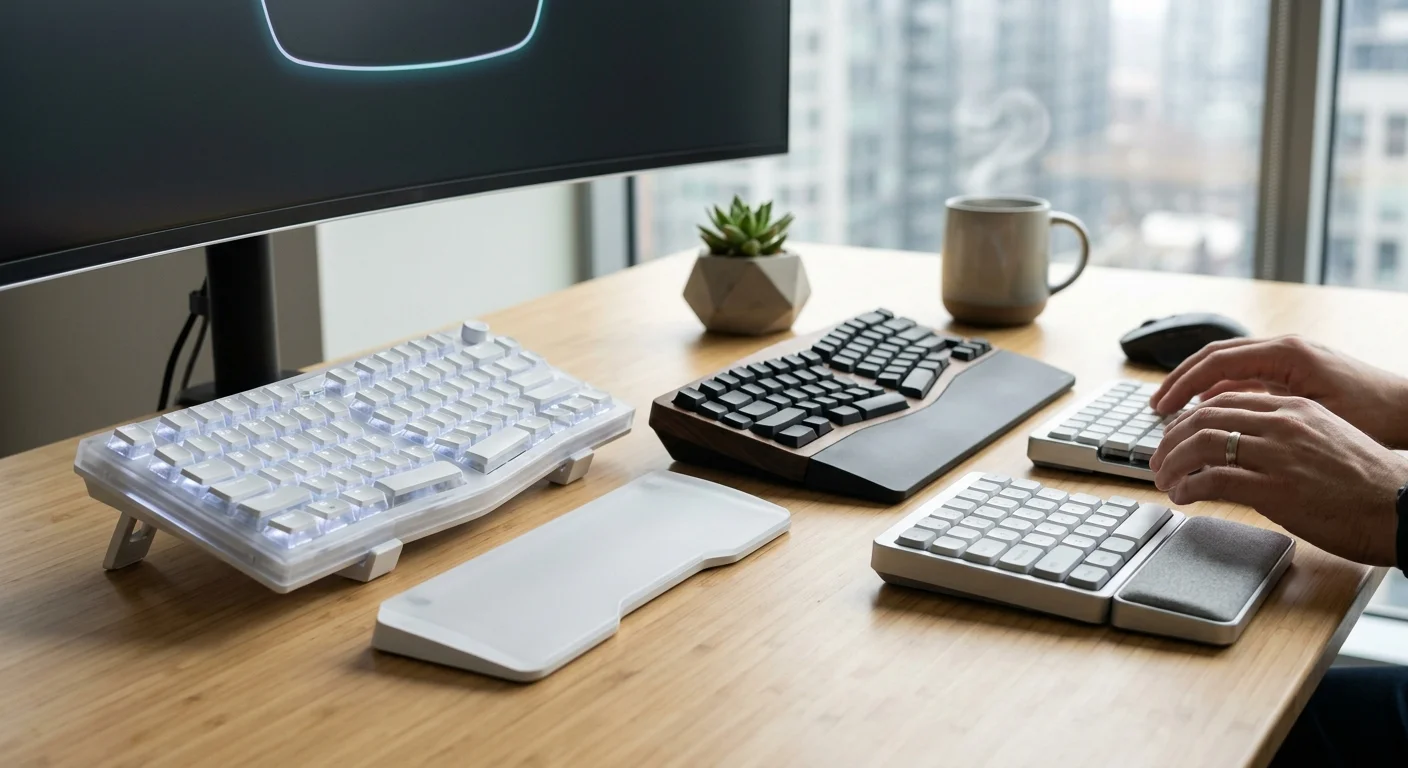
Note: The Logitech K860 is an example of effective ergonomic design that uses membrane technology to prioritize silence and simplicity.
Shared Office
Acoustic profile is critical. Although "silent" mechanical switches exist, membrane keyboards natively offer a more discreet experience to avoid interfering with the environment.
Note on analysis limitations: This analysis is a qualitative synthesis of user opinions and technical specifications. No instrumental biomechanical tests or laboratory decibel measurements were performed. Real durability depends on maintenance factors and individual habits. Ergonomic features should be evaluated individually according to the user's anatomy.
Technical Conclusion
Ergonomics depends more on the complete design and workstation setup than on the internal mechanism. Choose mechanical if you value customization, feedback feel, and reparability. Consider membrane if you prioritize simplicity, cost, and specific acoustic profiles in shared office environments.