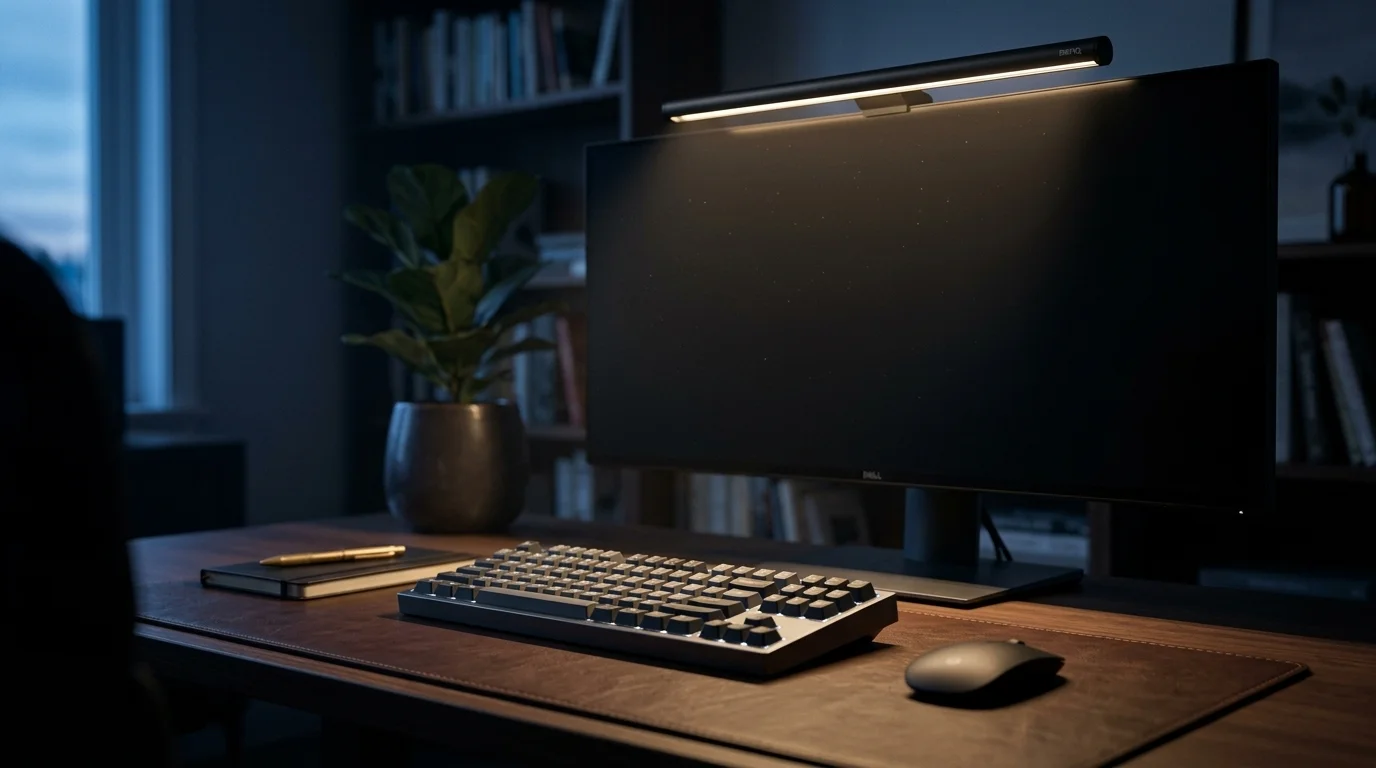
Lighting is the most ignored component of the home office, even though eye strain is a leading cause of focus loss. While traditional lamps take up space and often create glare on the screen, monitor light bars have emerged as a technical solution designed to illuminate the workspace without interfering with the panel.
What is a light bar and why does it matter?
Unlike a common swing-arm lamp, a light bar uses an asymmetrical optical design. This means the light beam is projected downward and forward, covering the keyboard and documents, but blocking any rays that could bounce directly off the monitor glass. The result is an illuminated desk with "zero glare."
Space Organization Benefits:
- Surface Savings: They clip to the top of the monitor, freeing up the space that a lamp base would occupy.
- Reduced Visual Noise: Fewer cables on the table and a cleaner aesthetic (Trend: Minimalism 2026).
- Balanced Lighting: Reduces excessive contrast between a bright screen and a dark room.
Key Technical Specifications
To choose a light bar with editorial and technical judgment, you should look at these three values:
- CRI (Color Rendering Index): Measures the light's ability to show true colors. A CRI > 95 is ideal for designers or readers.
- Color Temperature (K): Must be adjustable. 6000K (cool light) for maximum concentration; 3000K (warm light) for winding down.
- Ambient Light Sensor: Allows the bar to adjust its brightness automatically based on the room's light, saving the user from constant manual adjustment.
Verified Models Comparison
| Feature | BenQ ScreenBar Halo | Xiaomi Mi Light Bar |
|---|---|---|
| Control | Wireless (Touch Dial) | Wireless (Rotary Controller) |
| Declared CRI | Ra > 95 | Ra > 95 |
| Ambient Sensor | Yes (Automatic) | No (Manual) |
| Backlight | Yes (Rear Ambilight) | No |
| Approx. Price | Undefined | ~$68 USD |
Analysis by Profile
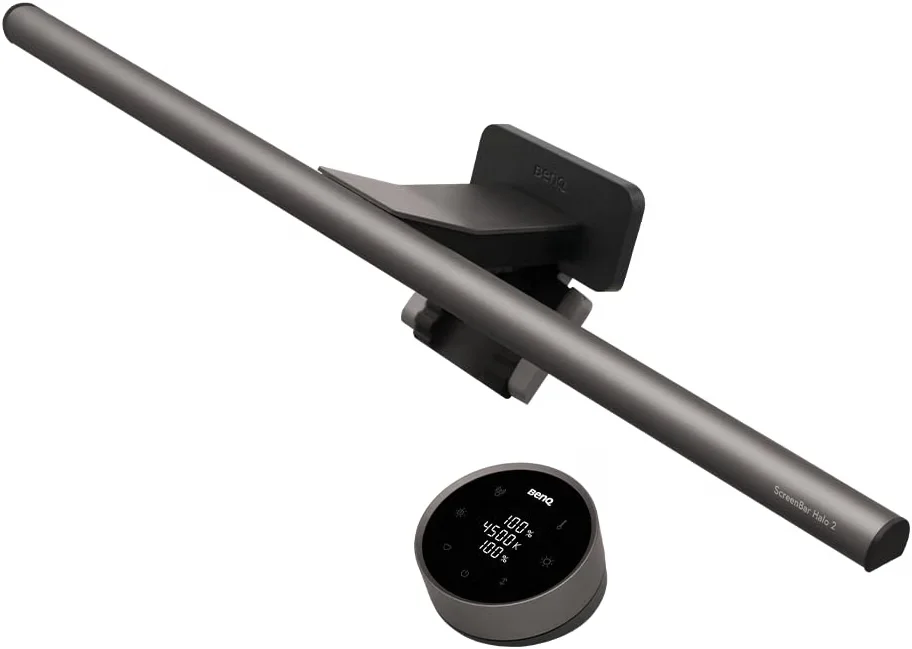
1. BenQ ScreenBar Halo: The professional reference
It is the most advanced model on the market. Its main advantage is the high-precision wireless controller and the rear lighting system that further reduces fatigue by illuminating the wall behind the monitor. It is the choice for users who accept no compromises in their "Hi-Fi" setup.
Reported limitation: The mounting clip may be incompatible with extremely thin monitors or very irregular rear shapes.
2. Xiaomi Mi Light Bar: The aesthetic balance
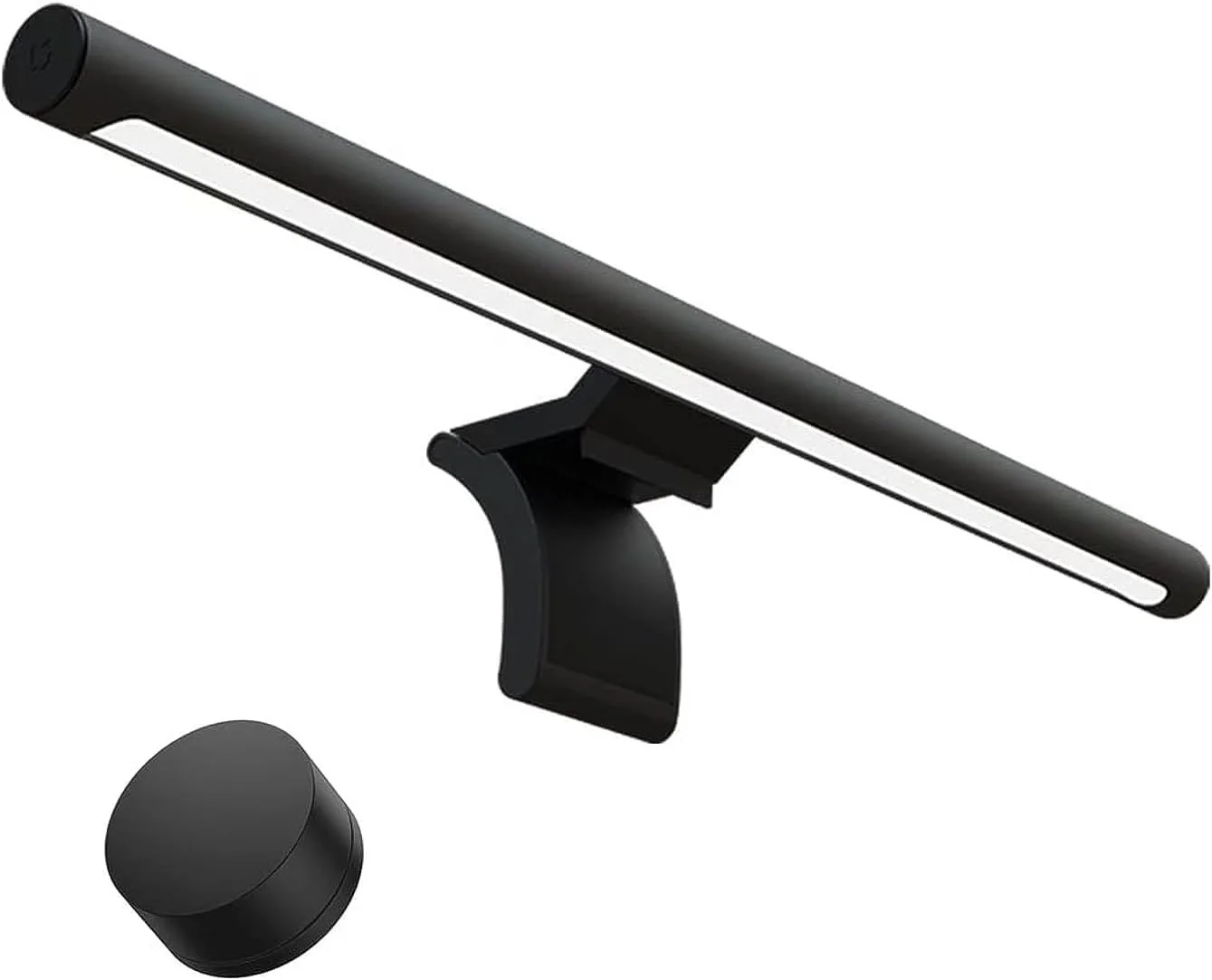
Offers a minimalist design with magnetic mounting. Its remote control is excellent for keeping the desk cable-free. It provides real asymmetrical light at a competitive price compared to the BenQ ScreenBar.
Reported limitation: It lacks last-setting memory in some older batches if the USB port power is cut.
Drawbacks and Compromises
Not everything is positive. Before buying a Xiaomi or a BenQ ScreenBar, consider:
- Webcams: Most light bars take the spot where a webcam would go. Some models include adapters, but they aren't always stable.
- Curved Monitors: On tight curves (1000R), the bar ends may create a small reflection on the top corners of the panel.
- USB Ports: They require a constant-power USB port (minimum 5V/1A). Some monitor ports don't provide enough power for maximum brightness.
Conclusion: Which to choose?
If you aim to maximize productivity and reduce eye strain professionally, investing in a BenQ ScreenBar is justified by its sensor and light quality. If you want a balance of design and functionality to keep your desk cable-free, Xiaomi is the recommended option.