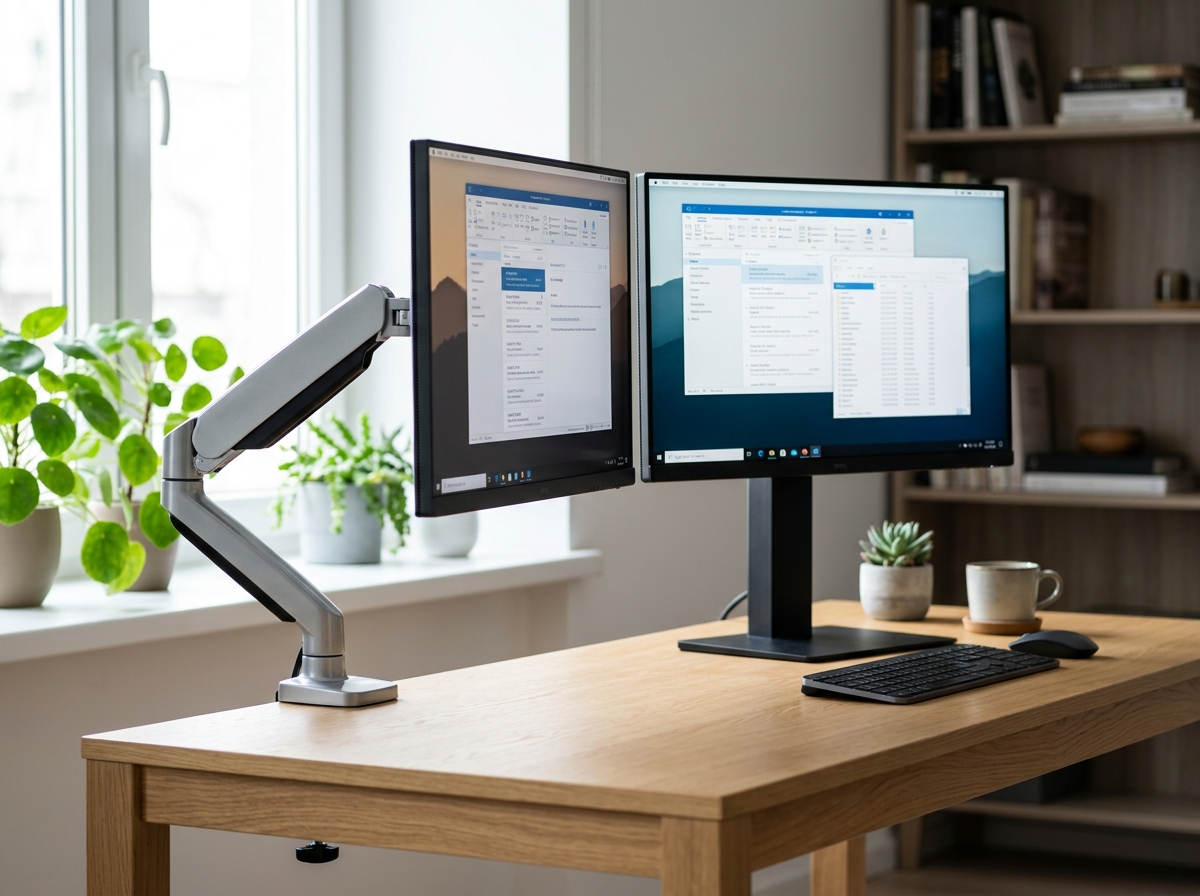
Not all monitors need the same setup. Whether you work with 1 or 2 screens, choosing between an articulating arm and a fixed stand changes your ergonomics, desk space, and budget. Here we help you decide.
What is the difference?
An articulating arm offers maximum flexibility. It clamps to the edge of your desk and allows you to adjust the height, angle, and depth of the screen without tools, just by moving it with your hand. It's ideal if you change positions often or want a "clean" desk since the monitor "floats".
On the other hand, a fixed stand (or independent stand) is the evolution of the stand that comes with your monitor. It raises the monitor to an ergonomic height in a simpler and more affordable way. It's the perfect choice if your setup is static and you don't need to move the screen constantly.
Articulating Arms
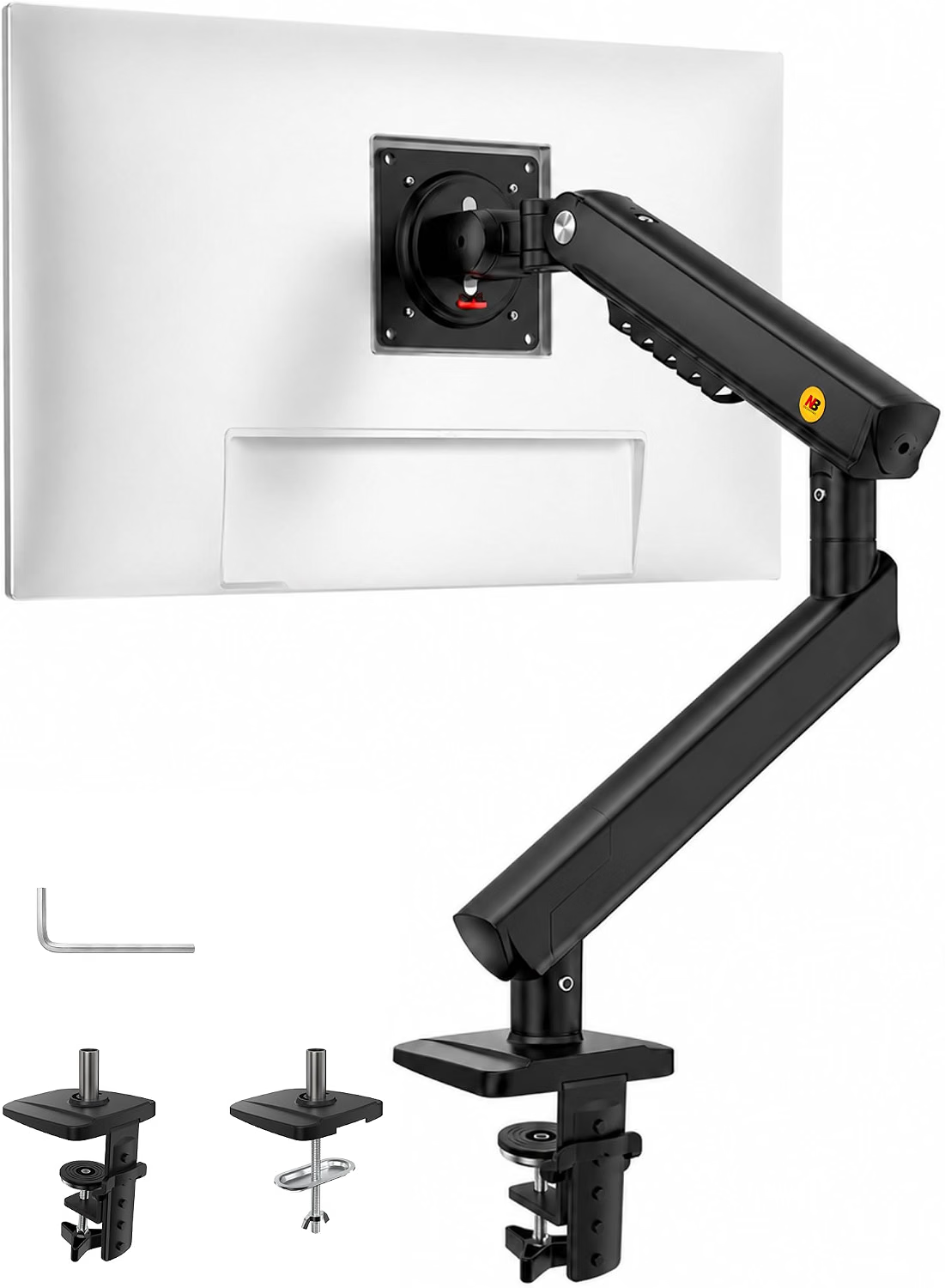
NB SmooVex™ - Mechanical Spring Mount
An affordable entry into the world of floating monitors, with a spring system that facilitates fluid movement.
- Intuitive and fast installation.
- Smooth movement to adjust height and angle with little effort.
- Excellent way to gain real desk space.
- Reported instability with heavy monitors 32" or larger.
- Variable quality control on the included screws.
Current Price: $32.90 USD
View on Amazon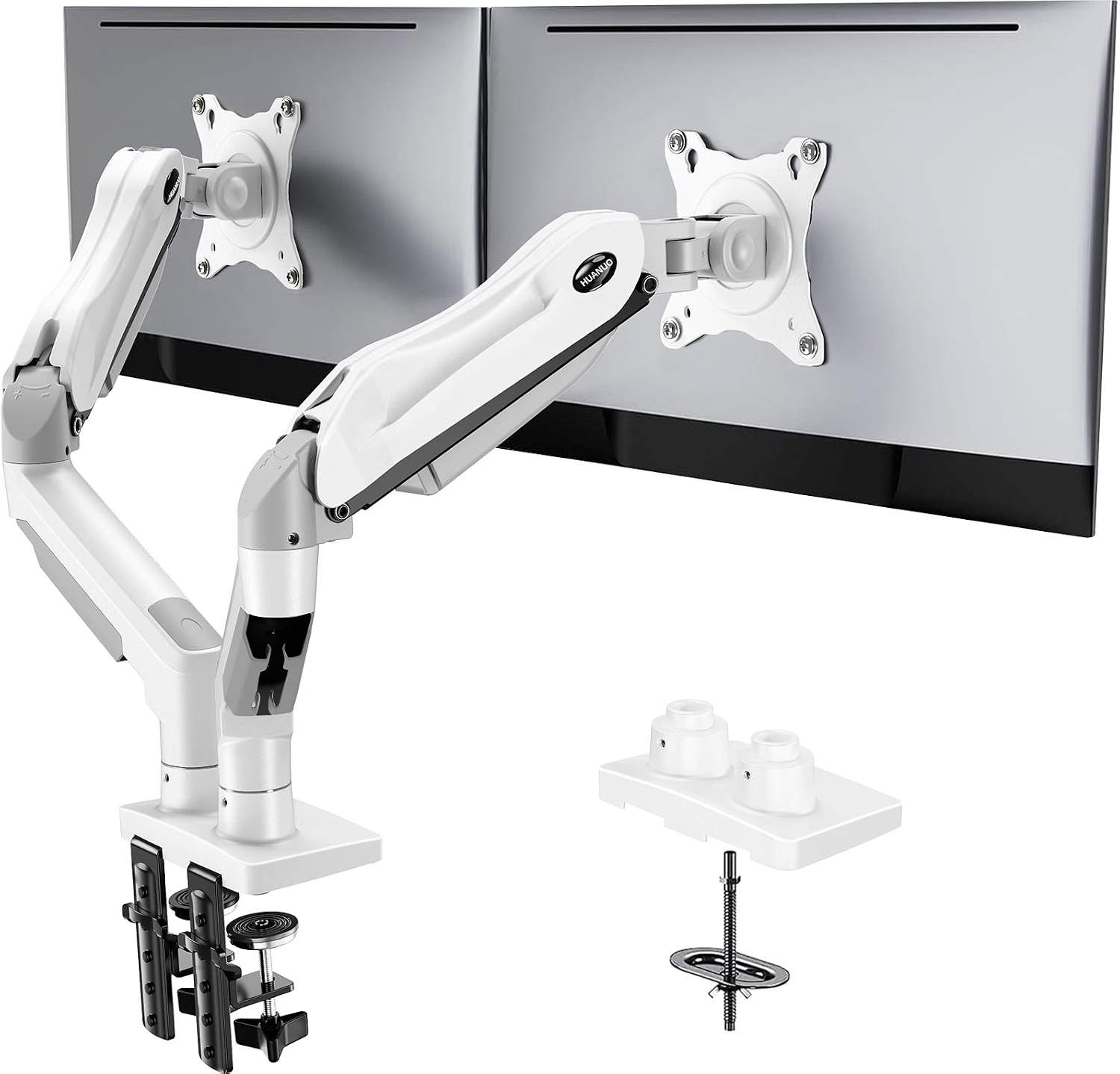
HUANUO FlowLift™ - Dual Monitor Stand
The robust solution for those working with two screens. Built in die-cast metal to ensure your monitors stay in place.
- Dual clamp offering much higher stability.
- Integrated cable management for a professional setup.
- Independent adjustment, allowing for screens of different sizes.
- Initial adjustment with the included key can be tedious.
- Reports of excessively long screws for certain VESA models.
Current Price: $69.99 USD
View on AmazonFixed Stands
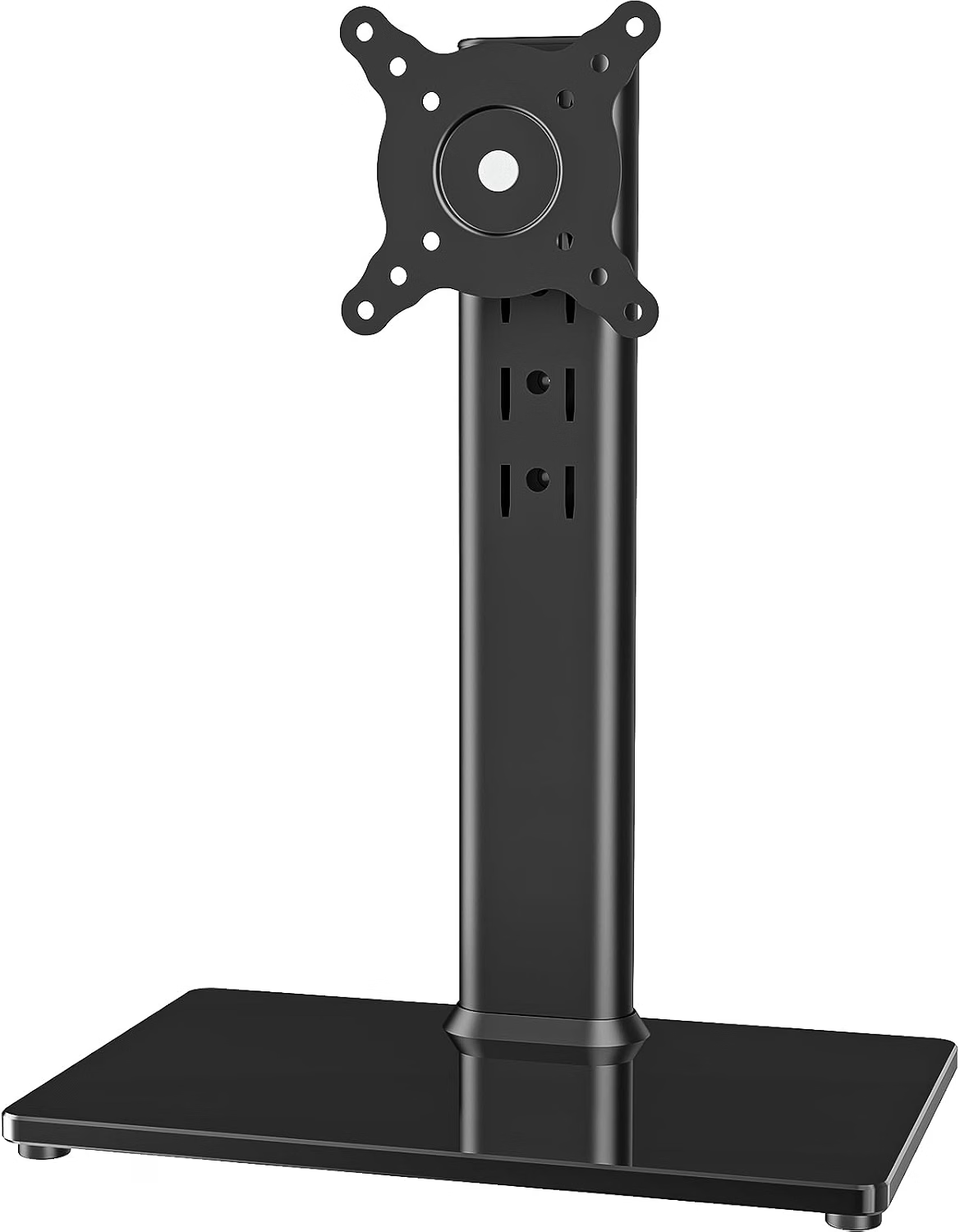
VESA Independent Riser Stand
Simplicity and stability. Ideal for those who just need to raise the monitor without clamp complications.
- No drilling or clamping required, stands freely.
- Extremely simple assembly (few minutes).
- Reliable stability for standard monitors up to 32".
- Height limited to 4 predefined positions, not freely adjustable.
- Bulky base that takes up physical desk space.
Current Price: $21.99 USD
View on Amazon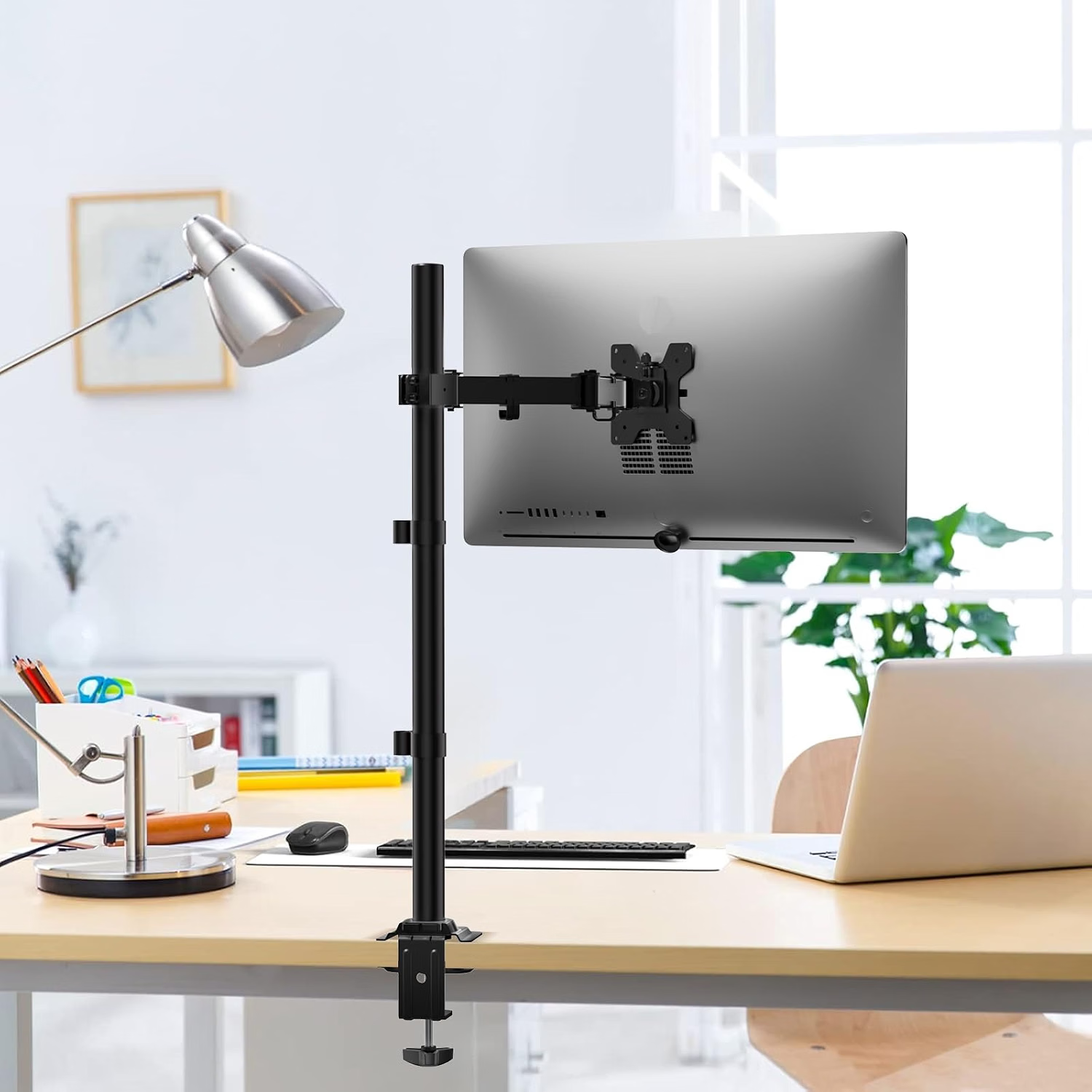
WALI Extra Tall Arm Stand
An interesting hybrid: it's a fixed mast stand but allows for very fluid manual height and angle adjustment without tools.
- Very strong industrial construction.
- Allows for extreme height (ideal for vertical setups).
- Maintains position precisely without sagging.
- Frequent reports of poorly manufactured screws in the initial kit.
- Instructions may be confusing for novice users.
Current Price: $39.99 USD
View on AmazonWhich one do you need?
- If you have 1 monitor and never move it: The independent fixed stand is your safest and most economical option.
- If you have 2 monitors or want a "minimalist" aesthetic: The HUANUO dual arm is the investment that will transform your desk.
- If you need extreme height (vertical setup): The WALI stand is the clear winner.