
Working away from your desk (cafés, coworkings, travel), a portable second screen can reduce constant window-switching. But it is not for everyone: if you always work at the same desk, a fixed monitor gives more per dollar. This guide explains USB-C compatibility (where most purchases fail), IPS vs OLED differences in small format, and compares three verified models: a proven brand IPS, the cheapest entry with dual USB-C, and a 4K touch OLED with battery.
What to look for in a portable monitor
USB-C compatibility: the step you must not skip
USB-C is only the connector shape: your port must support DisplayPort Alt Mode to send video. Many USB-C ports only charge or transfer data. Before buying: look for "USB-C with DisplayPort" or "Thunderbolt 3/4" in your laptop specs. If your port lacks it, you will need HDMI (with separate USB-C power) or a DisplayLink model (software compression, with driver and slight latency). This is the category's most common buying mistake.
IPS vs OLED at 15.6"
IPS (~$63-190) brings enough brightness, no retention risk, and contained pricing: fine for documents and reference. OLED (~$300) adds real blacks, far higher contrast, and better response, at a higher price, moderate brightness, and retention risk with all-day static interfaces. For fine text also note OLED subpixel structure: at 1080p it can show slight color fringing on small letters viewed up close (practically gone at 4K).
Weight, stand, and battery
Aim for under 900 g for daily carry (the ASUS declares 830 g; check your KYY or Innocn variant's exact weight). The stand matters more than it looks: folding sleeves protect but wobble on uneven tables; dedicated kickstands hold better. On power: most draw from laptop USB-C (typically 7-12 W, draining your battery faster); models with their own battery or passthrough PD (charger → monitor → laptop) solve that.
Resolution: is 1080p enough?
At 15.6", 1080p gives ~141 PPI: enough for office work and reference. Portable 4K shows in editing and fine text, but costs more and drains more battery. For most people, 1080p IPS is the right balance.
Comparison table (verified data, Sept. 2026)
"Not confirmed" means the figure is absent from the datasheet consulted.
| Feature | ASUS MB16ACV | KYY K3 | Innocn PU15-PRE |
|---|---|---|---|
| Exact model | MB16ACV | K3 (B088D8JG3L) | PU15-PRE (E15K1U-C4) |
| Size / resolution | 15.6" / 1920 × 1080 | 15.6" / 1920 × 1080 | 15.6" / 3840 × 2160 (4K) |
| Panel type | IPS | IPS | Touch OLED |
| Max refresh rate | 60 Hz | 60 Hz | 60 Hz |
| Declared brightness | 250 nits | ~300 nits | 400 nits (OPR) |
| Connections | USB-C + micro-HDMI + hybrid USB-A | 2 × USB-C + mini-HDMI | 2 × USB-C + mini-HDMI |
| Own battery | No | No | Yes (5000 mAh) |
| Weight | 830 g | ~770 g | Weight unconfirmed exact |
| VESA / speakers | No / No | No / Yes (basic) | Unconfirmed / 2 × 1W |
| Observed price | $190.33 USD | ~$63-70 USD | $279.99 USD |
| Rating | 4.6/5 (2,461) | 4.4/5 (12,000+) | 4.4/5 |
| Main strength | Works even over USB-A (DisplayLink) | Lowest price + dual USB-C | 4K touch with own battery |
| Main limitation | 60 Hz, 800:1, no speakers | Modest gamut, no passthrough PD | Price, 60 Hz, OLED retention |
Individual analysis
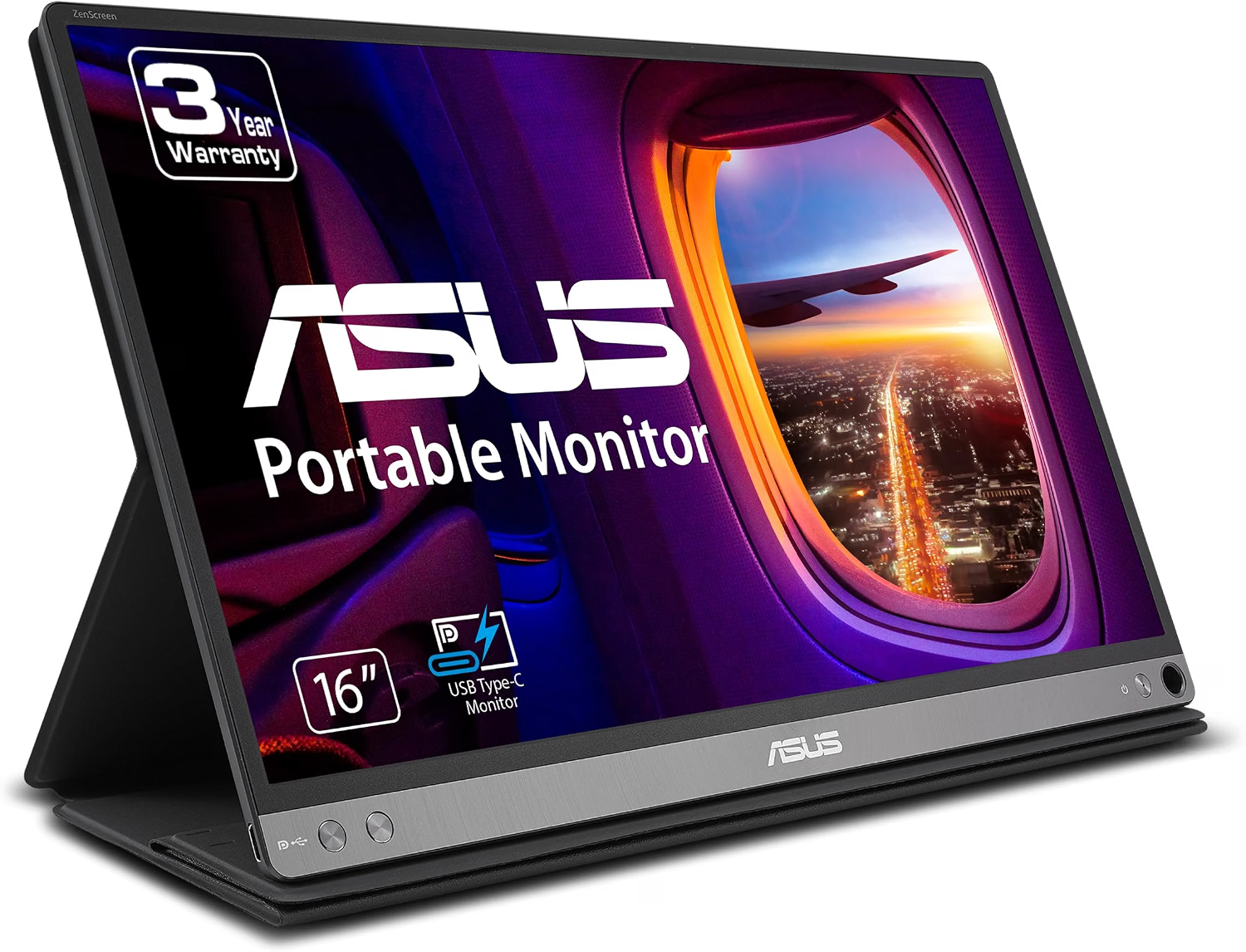
1. ASUS ZenScreen MB16ACV, 15.6" FHD IPS
Verified specifications (official ASUS datasheet): 15.6", 1920 × 1080, 16:9, IPS, 60 Hz, 5 ms GtG, 250 nits, 800:1 contrast, USB-C (DP Alt + USB 3.2) + micro-HDMI + USB-A hybrid (requires DisplayLink driver), 830 g, included sleeve/stand, no speakers or VESA, flicker-free and certified low blue light.
It may fit if… your laptop is older or its USB-C carries no video: it is the only one of the three that works over USB-A with a driver, besides single-cable USB-C.
Limitations: 60 Hz and modest 800:1 contrast; no speakers, no VESA, no passthrough charging (it feeds off your laptop).
Experiences and press (attributed): independent media describe it as the category's reliable reference for productivity, with brightness caveats outdoors.
Not verified: real brightness, battery life taken from the laptop, and DisplayLink compatibility with your specific system.
$190.33 USD · Amazon US (Sept. 2026)
View on Amazon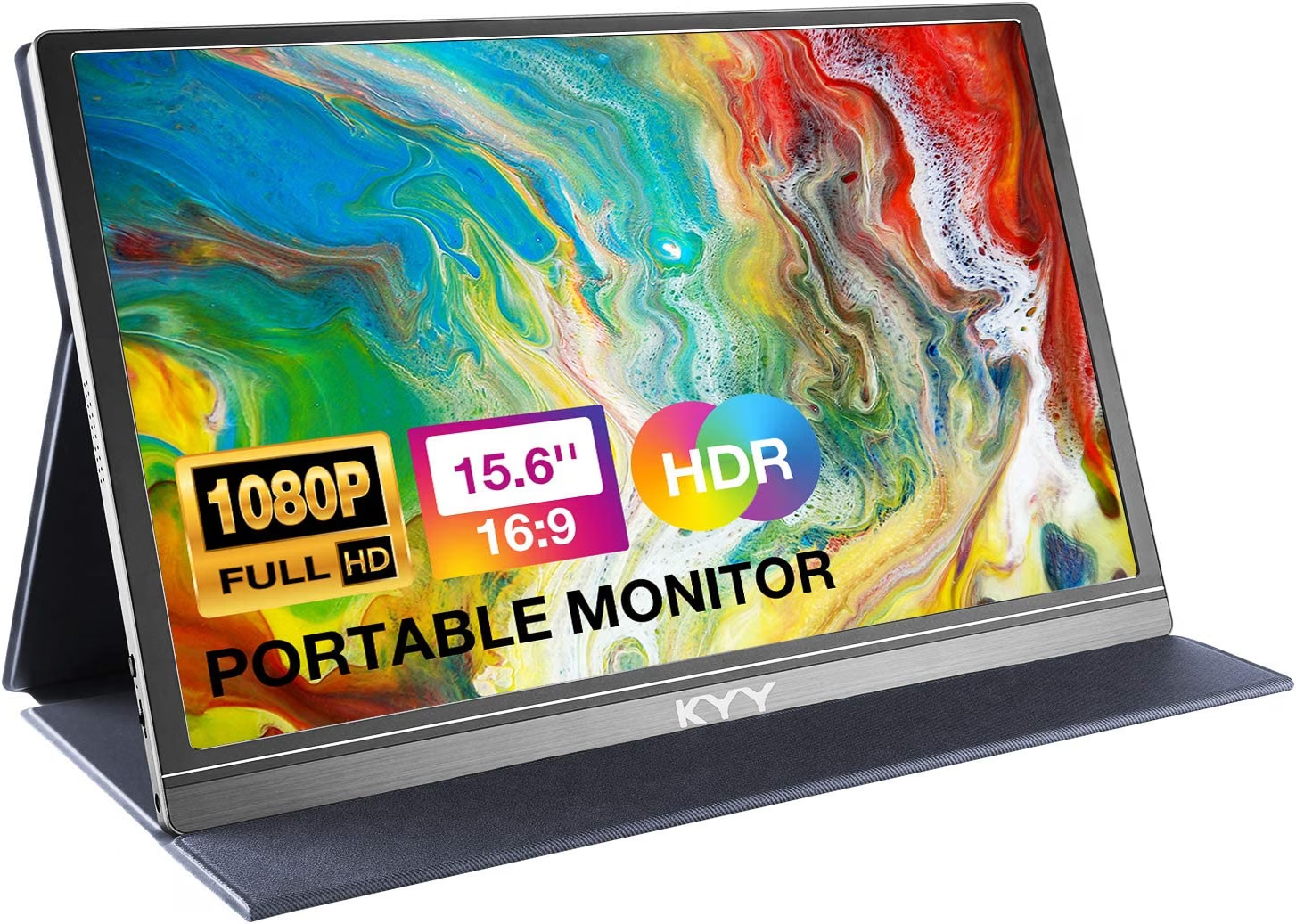
2. KYY K3, 15.6" FHD IPS
Verified specifications (Amazon page and matching press): 15.6", 1920 × 1080, IPS, 60 Hz, ~300 nits, 1000:1, 2 × USB-C + mini-HDMI, built-in speakers, 3.5 mm audio out, ~770 g, smart-cover stand, matte.
It may fit if… you want the cheapest entry (~$63-70) with dual USB-C for laptop, console, or phone, with cover and cables included.
Limitations: modest color gamut per independent tests (~65% sRGB); fair outdoor brightness; undisclosed response (slow per third parties); no passthrough charging.
Experiences and press (attributed): thousands of buyers highlight price-connectivity value; specialist media describe it as a cheap workhorse, not a color screen.
Not verified: uniformity of your unit, real response, and battery life taken from the laptop.
~$63-70 USD · Amazon US (Sept. 2026)
View on Amazon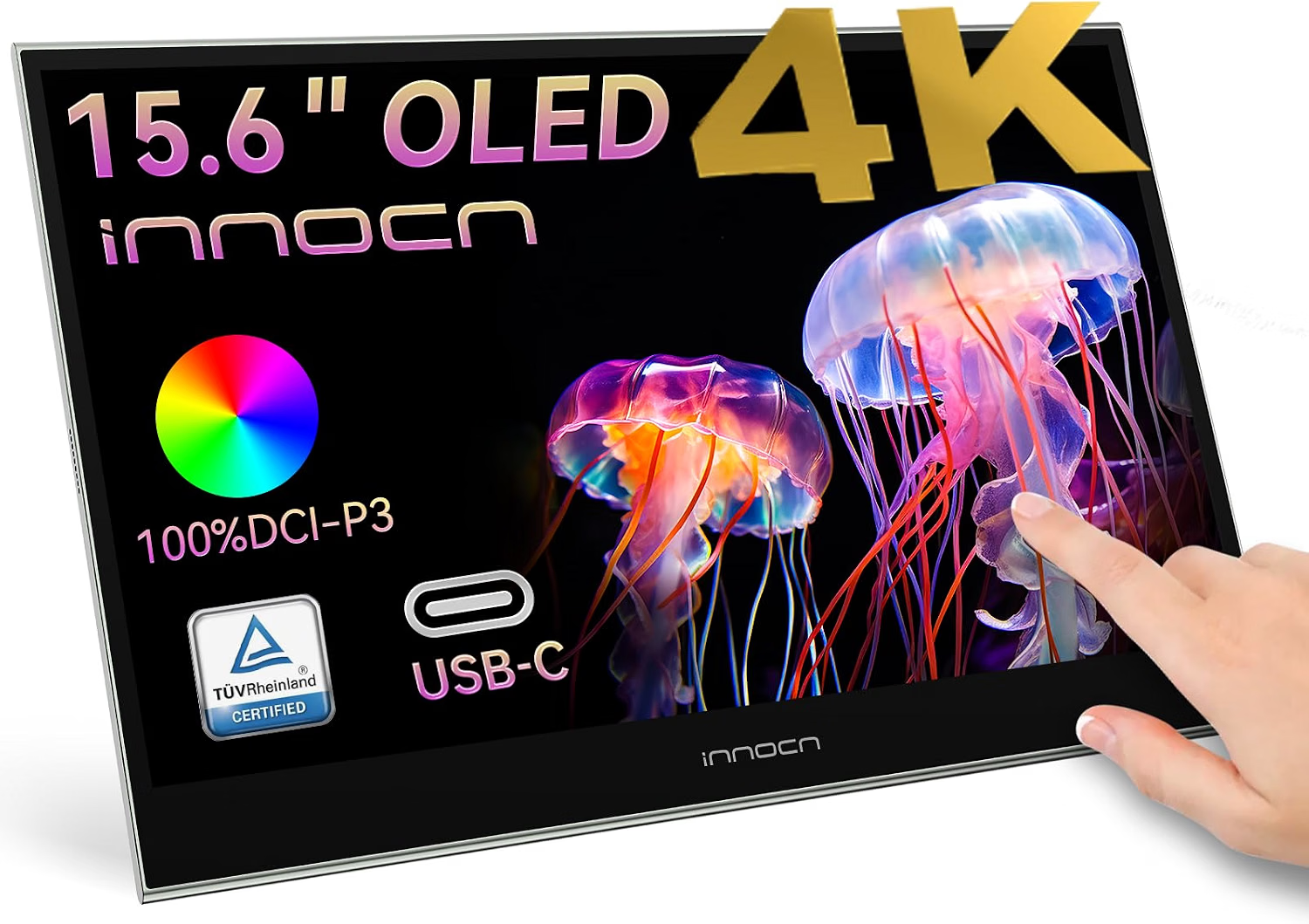
3. Innocn PU15-PRE, 15.6" 4K OLED Touch
Verified specifications (official Innocn page and Amazon): 15.6", 3840 × 2160, touch OLED, 60 Hz, 1 ms, 100% DCI-P3, 400 nits (OPR), 100000:1 contrast, 2 × USB-C + mini-HDMI, 5000 mAh battery, 2 × 1W speakers.
It may fit if… you want real 4K on the go with touch and your own battery: this guide's most complete profile for photo, design, and media.
Limitations: higher price (~$300-320); 60 Hz with no VRR; battery adds weight vs basic IPS models; retention risk with all-day static interfaces.
Experiences and press (attributed): the Innocn PU line is described as a solid choice for creators needing portable 4K; verify real battery life under your use.
Not verified: sustained brightness, real battery life, touch response on your system, and long-term retention.
$279.99 USD · Amazon US (Sept. 2026)
View on AmazonChoose by profile
| Profile | Priority features | What to check | Fitting type |
|---|---|---|---|
| Nomad with old laptop | Maximum compatibility | DP Alt Mode; if missing, DisplayLink or HDMI | ASUS MB16ACV |
| Cafés and coworkings | Lowest price + compatibility | Outdoor gamut and brightness | KYY K3 |
| Photo and video on the go | Resolution, contrast, and color | Weight, battery, calibration | Innocn PU15-PRE (4K touch OLED) |
| Fixed office | Ergonomics and inches per dollar | A desktop monitor gives more | None: better a fixed 24"-27" |
Checklist before buying
- Does my USB-C support DisplayPort Alt Mode?
- IPS or OLED for my use (documents vs image)?
- Do I need passthrough charging or my own battery?
- Is 1080p enough, or do I edit in 4K?
- Under 900 g for daily carry?
- Does the price match the right variant?
- Am I reading opinions as opinions, not measurements?
Frequently asked questions
Does any laptop work with a USB-C portable monitor?
No: your port must support DisplayPort Alt Mode. If it only charges or transfers data, use HDMI with separate power or a DisplayLink model.
OLED or IPS in a portable monitor?
OLED for contrast and color (higher price, possible retention); IPS for tight budgets without that risk.
Does a portable monitor drain the laptop battery?
Yes, except models with their own battery or passthrough PD: expect 7-12 W of extra draw.
Is 1080p enough at 15.6 inches?
For office work, yes (~141 PPI). For fine editing, 4K shows but costs and drains more.
Conclusion
If your laptop does not guarantee video over USB-C, the ASUS brings the widest compatibility; if you want the cheapest entry with dual USB-C for laptop, console, or phone, the KYY solves it for ~$63-70; and if 4K image on the go is your priority, the Innocn touch OLED with battery makes the leap for $279.99. And if you never leave the desk, none of them: a fixed 24"-27" monitor gives more for less. Check your USB-C port before buying.
Sources and transparency
- Official datasheets: ASUS (MB16ACV), KYY (K3), Innocn (PU15-PRE) and manuals.
- Independent tests cited: PCWorld, TechPowerUp, Digital Foundry, Tom's Hardware (attributed, not ours).
- Buyer reviews cited as subjective experiences, never as measurements.